Class Charts
At Rednock School, we use Class Charts to provide you with up-to-date information about your child’s attendance and absence reporting, their timetable, the homework they have been set, reward and sanction points, and other essential school-related information.
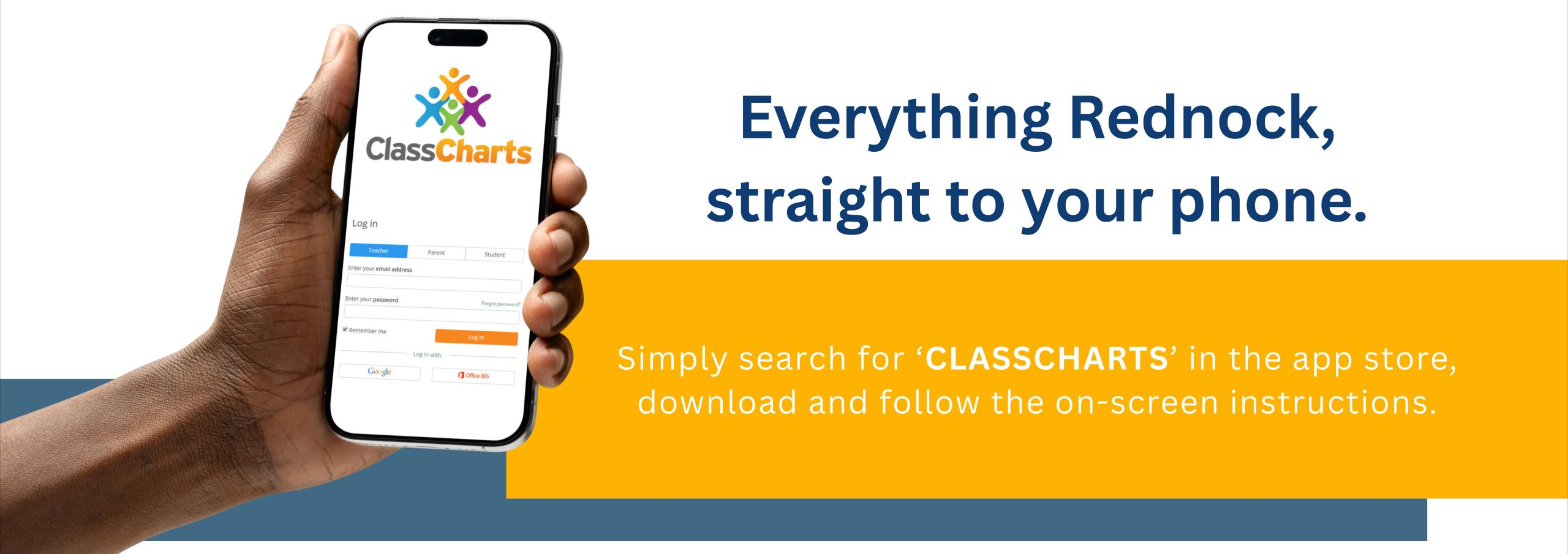
To be able to access all of this information, we kindly ask that parents and carers download the Class Charts app. Personalised access codes will have been sent to parents/carers, which will allow you to link your account to your child’s information. To access Class Charts, please follow the steps below:
- Use this link to open Class Charts – https://www.classcharts.com/parent/login
- Enter your email address
- Choose ‘I don’t have an account yet’
- Enter your parent access code and name (this will be emailed to you)
- Choose a password
- Click log-in
If you would like to know more, please find a Frequently Asked Questions (FAQ) page, which includes step-by-step instructions on setting up and using Class Charts. Please note, not all modules described in this FAQ will be available at the moment; we will be releasing more modules over time as we embed Class Charts into our in-school processes.